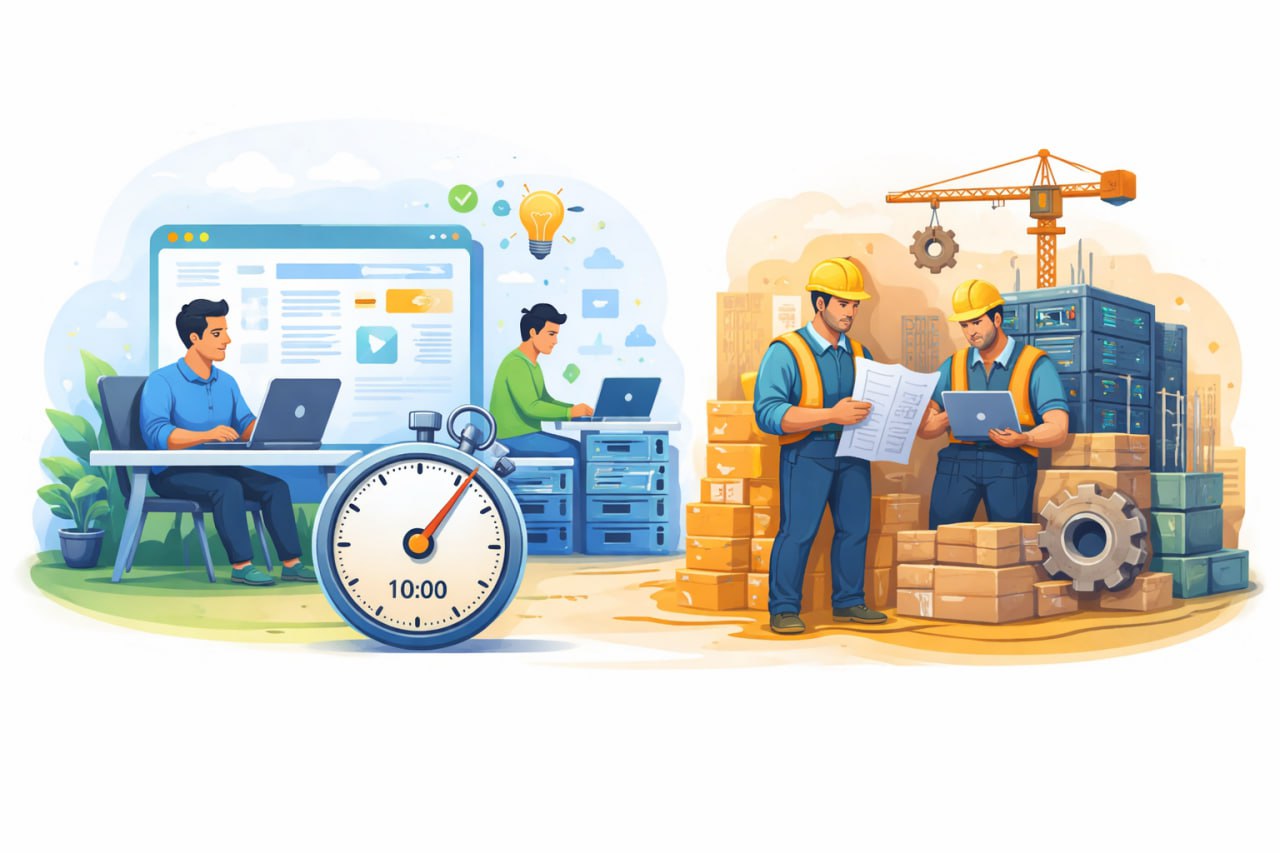
If you’ve ever watched a polished product demo and thought, “Great — how hard can it be to build?”, you’re not alone. A short demo can make software look finished. But most demos are showing the idea: the happy path, the intended workflow, and a clean story.
A real build is different. It has to survive real users, messy data, edge cases, security concerns, and the reality that the business changes mid‑project. Understanding the difference is one of the fastest ways to avoid budget shock and delivery disappointment.
This article unpacks what a demo is useful for, what it can’t prove, and a practical staged approach that helps teams get value early without confusing “looks good” with “works reliably”.
A “10‑minute demo” can take a few forms:
These are all legitimate. In fact, they’re often the smartest way to start, because they create clarity quickly.
A good demo helps you answer questions like:
Most importantly, demos make it cheaper to change direction. It’s much easier to revise a workflow on paper (or in a prototype) than to rebuild a feature after it’s coded, tested, and integrated.
Demos are designed to be smooth. They typically show the happy path: the one user, the clean data, the perfect sequence. That’s not dishonest — it’s the point of a demo. But it becomes dangerous when the organisation quietly treats the demo as a promise that the build will be “quick”.
In practice, most of the work in software is not the screens. It’s the behaviour behind the screens: data rules, security, reliability, and handling the situations you only discover when real people use the product.
Here are the common “invisible” parts of a build that rarely show up in demos — and regularly drive time and cost.
Real systems have real mess:
A demo can show the intended flow. A build has to enforce rules and handle the edge cases without breaking.
Many internal tools start as “just for the team” and quickly become “for multiple departments” and “for external partners”. That’s when questions appear:
Permissions aren’t hard because they’re complicated; they’re hard because they’re combinatorial. Each new role can multiply the number of scenarios to test.
Integrations are where many “simple apps” stop being simple. Connecting to accounting systems, CRMs, payment gateways, or identity providers brings extra requirements:
A demo rarely shows what happens when the integration is down, slow, or returns unexpected data. A production build must handle those situations safely.
Even for a small business app, there are baseline expectations:
You don’t need enterprise bureaucracy, but you do need a minimum viable security posture. It’s easiest to build in early, and expensive to bolt on later.
“It works on my laptop” is not the same as “it works for the team every day”. Production software needs:
None of this is glamorous — but it’s what makes a tool reliable instead of fragile.
The best way I’ve found to reduce risk is to treat software delivery as staged learning, rather than a single big leap from “idea” to “fully built”.
This stage is about clarity and alignment. It often includes:
If a project is going to fail, it’s usually because the team agreed to build the wrong thing, or agreed to build too much. This stage helps prevent both.
This is where you turn the workflow into something people can rely on. A sensible MVP focuses on the smallest set of features that create real value, but still includes the boring essentials: authentication, permissions, data validation, and deployment.
If you want a clearer view of what this “proper build” phase typically includes (and why it matters), I’ve written it up under software development.
Once real users are using the MVP, you can expand confidently. This is where teams usually add:
This stage works best when it’s guided by real usage data and real user feedback — not assumptions made months earlier.
Imagine an internal tool to manage job intake and scheduling:
The demo wasn’t wrong — it proved the workflow. The build simply had to handle the real-world variation that keeps the business running.
You’re probably asking for a demo if you want to:
You’re probably asking for a build if you need:
A 10‑minute demo is a great tool for speed and clarity. A 10‑week build is what turns that clarity into something the business can rely on.
If you want fewer surprises, the simplest approach is usually:
Ready to reduce delivery risk? Get in touch with us to map out a sensible demo-to-build plan for your project. We'll help you get clarity early and build only what you actually need.