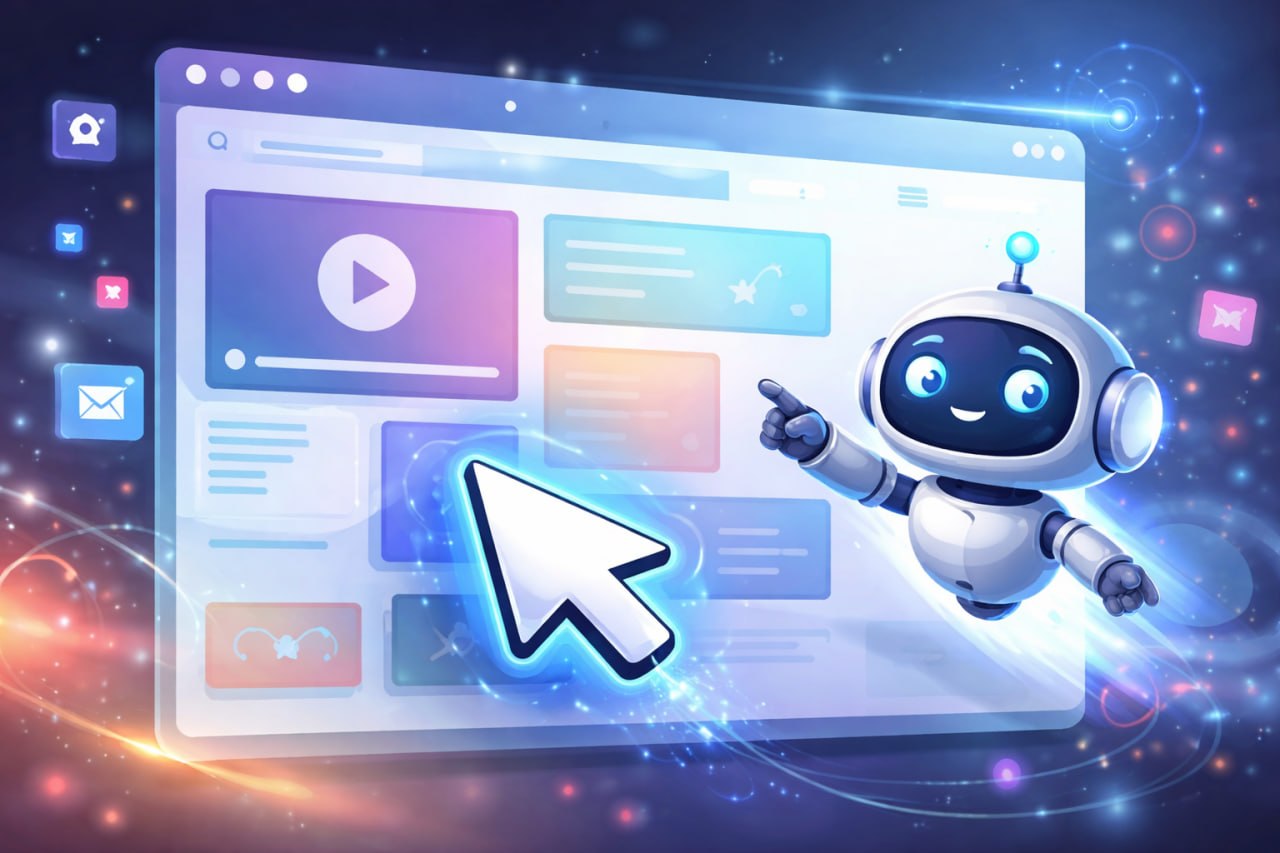
Clicky is one of those AI tools that people understand almost instantly once they see it in action. Instead of answering your question in a chat box and leaving you to work out the rest, Clicky is designed to help you directly on your computer screen. It can talk to you, look at what is on your screen when you trigger it, and guide you by showing exactly where to click.
That makes it feel less like a traditional chatbot and more like an on-screen teacher. For anyone who has ever tried to learn a new piece of software from a support article, a long YouTube video, or a vague AI answer, that difference matters. Sometimes the biggest problem is not understanding the idea. It is figuring out exactly what to do next on the screen in front of you.
That is the promise behind Clicky. It aims to close the gap between explanation and action.
At a simple level, Clicky appears to be an AI assistant built for software guidance. Its job is not just to answer a question such as “how do I do this?” but to help a user complete the task visually and step by step.
According to the description circulating online, Clicky watches your computer screen only when you press a hotkey. Once invoked, it can analyse what is visible, talk you through the next step, and indicate where you should click. That combination is what makes it interesting. It is not just conversational AI, and it is not fully autonomous software control either. It sits somewhere in the middle, acting more like a live guide.
In practical terms, that means Clicky could be useful for things like:
That last point is the key. Many AI tools are good at explanation. Far fewer are good at guidance inside a live interface.
Part of Clicky’s appeal is that the concept is easy to grasp. Based on the public description, the product combines several familiar AI components into a more practical user experience.
It reportedly uses Claude for reasoning, which suggests the model is responsible for interpreting what the user is trying to do and deciding what instruction should come next. It also uses ElevenLabs for voice, which makes the interaction feel more conversational and hands-free than reading text instructions. The screen-awareness layer appears to be event-based rather than always-on, with the user explicitly triggering it via hotkey when help is needed.
That design choice is important. Screen-aware AI is immediately interesting, but it also raises privacy concerns. A system that is always watching can feel intrusive very quickly. A system that activates only when requested is much easier for people to accept, at least in principle.
If that implementation holds up in real-world use, Clicky’s interface may be more important than any one model powering it. The real innovation is not simply that AI can answer another question. It is that AI is being packaged as a visual, contextual guide.
Clicky is getting attention because it solves a very familiar frustration. Most software learning is still awkward. Users bounce between the app they are trying to use and a separate source of help, whether that is documentation, a forum thread, a training portal, or a chatbot. The advice may be technically correct, but it still forces the user to translate a verbal explanation into action on their own screen.
That translation step is where a lot of friction lives.
When someone is learning a new workflow, they often do not want a general answer. They want help with the exact interface in front of them. They want to know which setting matters, which menu to open, which field to ignore, and which button to press next. “Show me” is often far more valuable than “tell me.”
That is why a tool like Clicky resonates so easily in a demo. The value proposition is immediately visible. You do not need to understand complex model architecture to see why it might be useful. If it can shorten the time between confusion and completion, it has a real use case.
There is also a broader reason for the interest. AI tools are evolving beyond chat. The next wave of useful products may be the ones that operate closer to the user’s actual workflow rather than sitting off to the side as a separate assistant window. Clicky fits that pattern neatly.
Even if Clicky is still early, the product category it represents is worth paying attention to. There are several obvious use cases where this style of AI guidance could be genuinely helpful.
If tools like Clicky mature, they could end up sitting somewhere between training software, IT support, and AI assistant. That is an interesting place for a product category to emerge.
As promising as the concept is, it still deserves a balanced view. Any screen-aware AI tool raises questions about privacy, permissions, reliability, and trust. Even if a product says it only accesses the screen when manually triggered, users should still understand exactly what it can see, what data is processed, and where that data goes.
There is also the question of accuracy. If an AI misunderstands a screen or gives the wrong instruction, it can quickly create confusion instead of reducing it. That risk is higher in interfaces that change frequently or contain sensitive settings. Users should think of a tool like Clicky as helpful guidance, not infallible authority.
Still, none of those caveats make the idea uninteresting. If anything, they underline why products in this category will succeed or fail based not just on model quality, but on design. Permission models, trust cues, user control, and clarity of action will matter just as much as intelligence.
If you want to try Clicky yourself, the public download page is here:
https://github.com/farzaa/clicky/releases
As with any early-stage AI tool, it is worth reading the documentation and release notes carefully before installing it, especially if you are testing it on a work machine or in a sensitive environment.
Clicky is interesting because it shows how AI interfaces are changing. Instead of sitting in a separate chat panel and answering abstract questions, tools like this aim to help users directly inside the moment of action. That shift may turn out to be more important than another marginal improvement in text generation.
If Clicky works well in practice, its biggest contribution may not be that it is a clever demo. It may be that it helps define a new category of software assistance: AI that teaches by seeing the screen, speaking clearly, and showing people exactly where to click.
Ready to explore how AI can improve software adoption, training, and digital workflows? Get in touch with us to discuss practical ways to apply AI tools inside your business.